
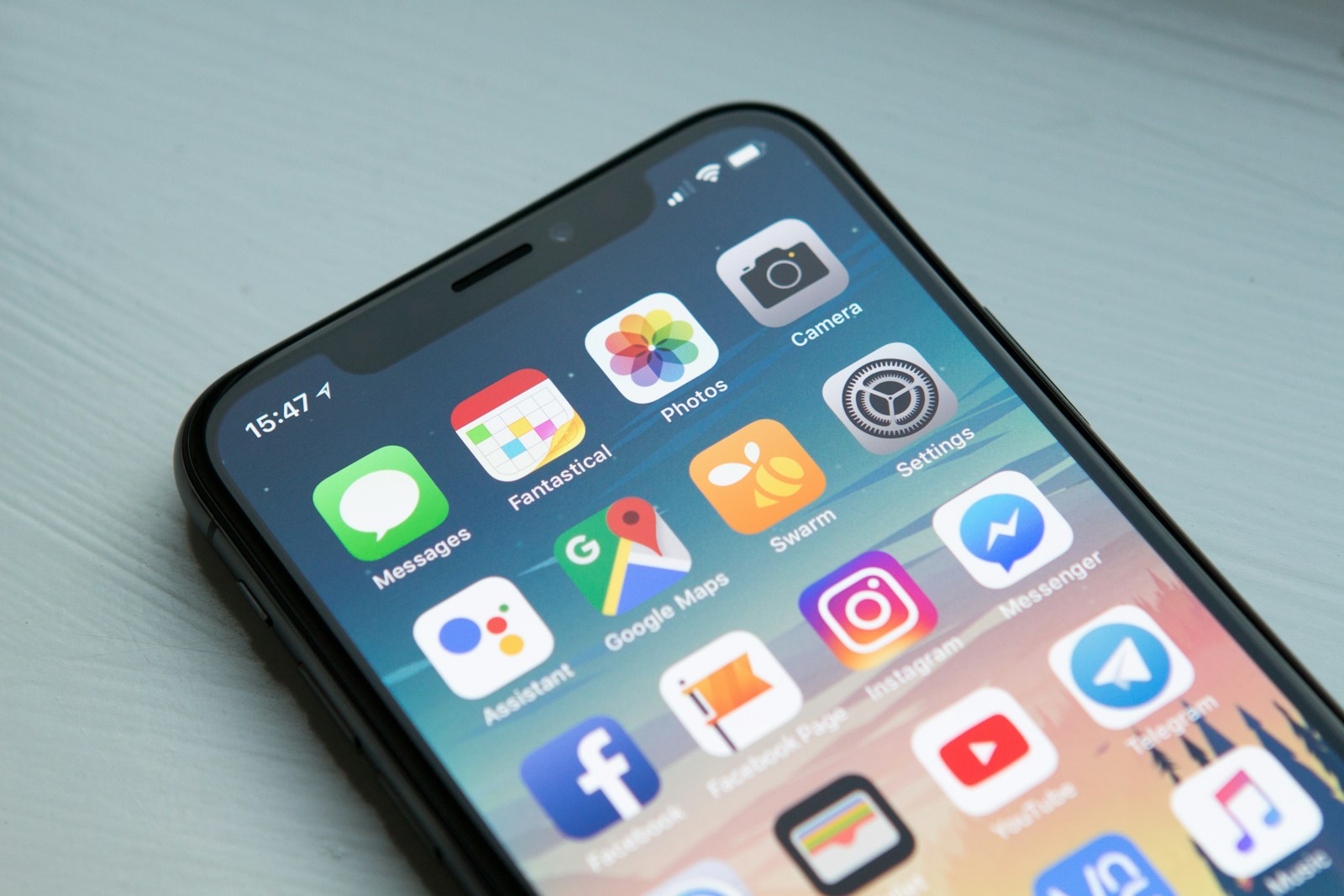
- Google uses mobile-first indexing: your mobile site is what determines your search rankings, not your desktop site.
- Mobile-first means designing for the smallest screen first and expanding up, not shrinking down from desktop.
- Touch targets, load speed, and readability are the three most common mobile failures on small business sites.
- A bad mobile experience doesn't just frustrate users; it permanently damages your search visibility.
Pull out your phone right now and visit your own business website. Look at it with the eyes of someone who doesn't know you. Can you read the text without zooming? Can you tap the buttons without hitting the wrong one? Does it load in under three seconds on a normal cell connection?
If the answer to any of those is "no" or "maybe," you have a problem, and it's a bigger problem than you probably realize, because it's not just a user experience issue. It's a search ranking issue. Google made mobile-first indexing the default years ago, which means the quality of your mobile experience is what determines where you show up in search results for everyone, including people on desktop.
What "Mobile-First" Actually Means
"Mobile-first" is often misunderstood as just making a website that works on phones. That's responsive design: necessary but not sufficient. Mobile-first design is a philosophy: you start with the smallest, most constrained screen and design the best possible experience for it. Then you use that as the foundation and expand for larger screens.
The difference matters because constraint clarifies. When you only have 375px of width and a thumb for navigation, you're forced to make hard choices: what's actually essential? What information absolutely needs to be visible immediately? What can be deprioritized or collapsed? Those constraints produce tighter, more focused design decisions, which almost always result in a better desktop experience too.
Desktop-first design, by contrast, starts with a large canvas. Features accumulate. Sidebars appear. Complex navigation patterns get built because there's room for them. Then someone tries to squeeze all of that down to a phone screen, and the result is the kind of website where text is tiny, buttons are too small to tap, and the layout looks like it was designed by someone who'd never seen a phone.
Design for the most constrained context first. Everything that survives that constraint is essential. Everything else is decoration, and decoration is the first casualty of a small screen.
Google's Mobile-First Indexing: What It Means for Your Rankings
In 2023, Google completed its transition to mobile-first indexing for all websites. What this means practically: when Google's crawlers visit your website to determine how it should rank in search results, they visit and evaluate the mobile version of your site, not the desktop version.
If your mobile site has:
- Different or missing content compared to your desktop site
- Images that don't load or load slowly
- Text that's too small to read without zooming
- Clickable elements that are too close together
- Interstitials or pop-ups that block the main content
...then your search rankings suffer for all of those things, even for users on desktop computers searching from home. Your mobile experience isn't just the mobile experience anymore. It's the experience Google judges you on.
Google's PageSpeed Insights tool (pagespeed.web.dev) will give you a mobile performance score and specific recommendations for your website. If your mobile score is below 70, you have actionable problems to fix.
The Three Most Common Mobile Failures on Small Business Websites
After auditing dozens of small business websites, I see the same three problems repeatedly. They're each fixable, but they require intentional effort, not just "checking the responsive checkbox."
1. Touch targets that are too small or too close together. Apple's Human Interface Guidelines recommend a minimum touch target size of 44×44 points. Google recommends at least 48×48 CSS pixels with 8px spacing between targets. Buttons, links, and form fields that are smaller than this, or packed too closely together, cause frequent mis-taps and genuine user frustration. On a desktop with a mouse cursor, precision is easy. On a phone with a finger, it isn't.
2. Load speed on mobile connections. Desktop users on fiber are forgiving of slow sites. Mobile users on LTE, and especially 3G, which is still common in many areas, are not. Images that aren't optimized for mobile, render-blocking scripts, and excessive third-party resources all compound into a load time that loses visitors before they've seen your homepage. Compress your images. Use modern formats like WebP. Defer non-essential scripts.
3. Text that requires zooming. A base font size of 16px is the minimum for comfortable reading on mobile, and that's for ideal conditions. Short line lengths (under 75 characters per line), adequate line height (1.5 to 1.7em for body text), and sufficient contrast between text and background all matter. If users have to zoom to read your content, they're already annoyed, and annoyed users don't convert.
Google penalizes "intrusive interstitials": pop-ups that cover content immediately when a mobile user lands on a page. If you use pop-ups for email capture or promotions, make sure they comply with Google's guidelines: they should be easily dismissible, not block the main content, and ideally not appear until the user has had a chance to engage with the page.
What Good Mobile Design Looks Like in Practice
Mobile-first design isn't about stripping features; it's about organizing and presenting them in a way that works naturally on a small touch screen. Here's what it looks like when it's done right:
- Single-column layouts that flow naturally without horizontal scrolling
- Sticky or persistent CTAs: your phone number or "Contact Us" button is accessible without scrolling back to the top
- Hamburger navigation that's clean, accessible, and closes smoothly
- Images that load fast and display without layout shift (no more elements jumping around as the page loads)
- Forms with large inputs that trigger the correct keyboard type (numeric keyboard for phone fields, email keyboard for email fields)
- Font sizes that require no zooming: body text at 16px minimum, headings scaled appropriately
None of this is technically complicated. But it requires intentionality from the very beginning of the design process, not as an afterthought when the desktop version is already built.
The Business Case: Mobile Experience Directly Affects Revenue
Google has published research showing that 61% of users are unlikely to return to a mobile site they had trouble accessing, and 40% will go to a competitor's site instead. Think about what that means for a small business in a competitive local market: nearly half of the people who have a bad mobile experience on your site will immediately go find one of your competitors.
Mobile-first design is not a technical nicety. It's a revenue issue. The businesses that prioritize their mobile experience gain a compounding advantage: better search rankings bring more traffic, better user experience converts more of that traffic, and a better reputation (from not frustrating people) generates more word-of-mouth referrals. The gap between a well-optimized mobile site and a neglected one grows wider every year.